
How to Register and Log In to MSport Nigeria Portal
🌟 Learn how to register and log in to the MSport Nigeria portal with ease. Get step-by-step tips, fix common issues, and secure your account for top sports updates across Nigeria 🇳🇬⚽
Edited By
Emeka Umeh
Accessing and registering on the MSport Nigeria mobile login portal is a straightforward process that opens doors to real-time sports updates and exclusive content. The portal is specifically designed with mobile users in mind, making it easy to stay connected on the go. Whether you’re a bettor tracking live scores, a journalist needing quick stats, or a student following your favourite league, MSport offers a seamless experience.
To start, ensure your mobile device has a stable internet connection—either through mobile data or Wi-Fi. Then, simply launch your mobile browser and enter the official MSport Nigeria URL. The portal is optimised for all smartphones, including Android and iOS, meaning you won’t need to download a heavy app to get started.
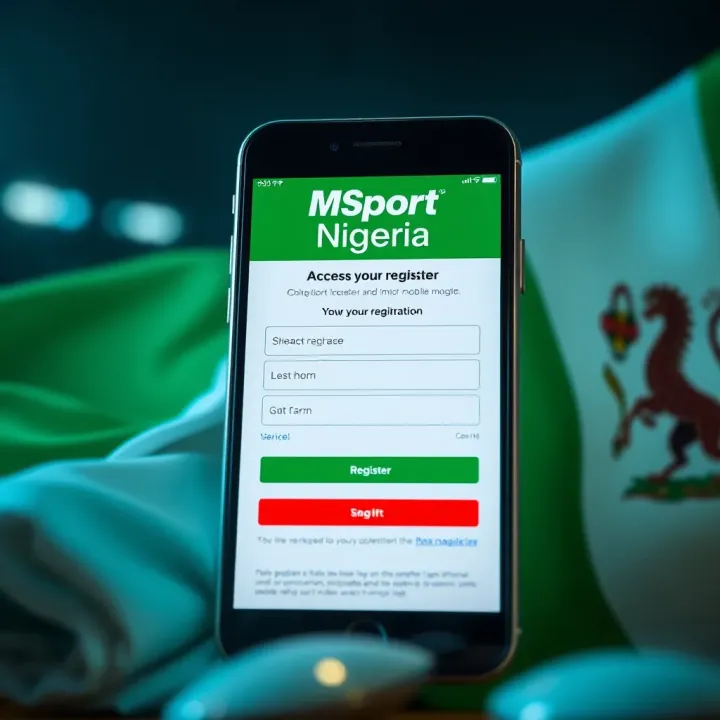
The registration process demands only essential details, keeping it user-friendly without compromising on security. You’ll be required to provide your full name, email address, phone number, and create a strong password. The portal uses encryption to protect your data, so you can register confidently. After submitting your details, verify your account via an email or SMS code, which helps prevent fraudulent access.
For new users, it's wise to choose a password combining letters, numbers, and symbols to keep your account secure.
Once registered, logging in is as easy as tapping on the login button, entering your credentials, and you’re set. The portal remembers your device for smoother future access but also offers options to log out quickly if you’re using a shared device.
Common issues like forgotten passwords or login errors are handled through automated recovery options, such as resetting passwords via your registered email or phone number. If technical difficulties persist, MSport Nigeria’s customer support is available through the portal for prompt assistance.
Key points to note:
Use a current, active mobile number during registration.
Keep your login details private to avoid unauthorised account access.
Regularly update your password for added security.
By following these practical steps, you’ll have access to MSport Nigeria’s mobile portal in no time, ready to keep up with live scores, bets, and sports news from across Nigeria and beyond.
MSport Nigeria has become a go-to platform for sports lovers looking to keep up with the latest scores, fixtures, and news from Nigerian and international sports. Understanding the platform’s role is essential, especially if you want to utilise it effectively on mobile. This section highlights what MSport Nigeria offers and the specific features of its mobile login portal.
MSport Nigeria provides comprehensive coverage of various sports, including football, basketball, athletics, and more. For example, if you follow the Nigerian Professional Football League (NPFL) or the World Cup qualifiers, MSport gives you timely updates to stay ahead. The platform also features expert analysis, live match commentary, and real-time results, making it valuable for bettors who need accurate, up-to-date information to make informed decisions.
Beyond scores, MSport Nigeria offers news on player transfers, injury reports, and event schedules—all crucial for sports journalists and analysts monitoring developments in Nigerian and global sports. Students and accounting professionals with an interest in sports economics can also use MSport to track sponsorship updates and financial movements within sports organisations.
The mobile login portal is designed to make accessing MSport’s services straightforward and efficient on mobile devices. It supports quick login via registered details, ensuring you don’t miss key updates when on the move, whether you're commuting on a danfo or at a mama put.
Key features include:
Responsive Design: The portal adjusts smoothly to smartphones and tablets, providing clear readability even on smaller screens.
Secure Access: Two-factor authentication and encrypted login protect your personal data, which is crucial given the rising cyber risks in Nigeria.
User Dashboard: Once logged in, the dashboard offers personalised feeds, letting you follow favourite teams or sports and customise notifications.
Fast Load Times: Optimised for Nigerian networks, the portal performs well even on slower 3G connections common in some areas.
With MSport Nigeria's mobile login portal, sports updates come to you with ease, helping you stay connected anytime, anywhere.
Together, these features make the mobile portal a practical tool for bettors, journalists, and sports enthusiasts who need quick and secure access to sports information on the go.
In summary, knowing what MSport Nigeria provides and how its mobile platform functions sets the stage for a smoother registration and login experience. The next sections will guide you on registering an account and navigating the mobile login process effectively.
Registering for an MSport Nigeria account on your mobile device is the key step to fully tapping into the platform’s services. Whether you are a serious bettor, a sports journalist, or an analyst following live updates, having an account puts the whole MSport ecosystem at your fingertips. You get access to personalised sports news, live scores, and betting options, all from your smartphone. The process is designed to be straightforward but requires certain information to ensure security and smooth access.
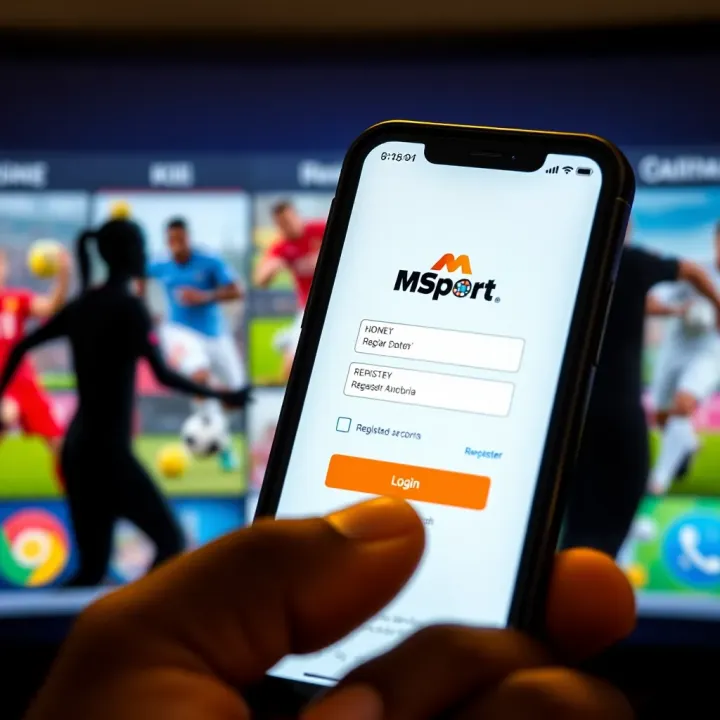
Before you start registering, ensure you have a few essentials ready. First, a valid Nigerian phone number is necessary since MSport uses this for verification and communication. Secondly, an active email address helps with account recovery and updates. You also need a secure internet connection, preferably over mobile data or Wi-Fi, to avoid disruptions during registration. Finally, prepare a strong password that combines letters, numbers, and symbols to protect your account from unauthorised access.
Open your mobile browser or MSport app: Access the MSport Nigeria portal specifically designed for mobile use.
Locate and tap "Register": This usually appears as a button on the home page.
Fill the registration form: Enter your full name, phone number, email address, and create a password.
Complete the captcha or security check: This prevents automated bots from creating fake accounts.
Agree to terms and conditions: It's essential to read and accept MSport’s user policy.
Submit your details: After submission, you will receive a verification code via SMS.
Enter the received code: Input the code in the portal to complete verification and activate your account.
Sometimes, registration can hit bumps. One frequent problem is not receiving the SMS verification code. This can happen due to network issues or wrong phone number entry. Double-check your phone number and network coverage first. If the problem persists, restarting your phone or switching from Wi-Fi to mobile data may help. Another issue is the "password too weak" error; if this shows up, try adding uppercase letters, numbers, and special characters until the portal accepts it.
If the portal keeps rejecting your registration without clear reasons, clear your browser’s cache or try registering on a different device to rule out technical hiccups.
By following these steps and requirements, you can quickly set up your MSport Nigeria account on mobile, unlocking secure access to sports updates and betting options tailored for Nigerian sports fans.
Logging into your MSport Nigeria account through the mobile portal is the essential gateway to accessing live sports updates, placing bets, and managing your profile on the go. For bettors, journalists, analysts, and students who require swift, reliable access to sports information, knowing how to navigate the login process smoothly is key. This step not only protects your account security but also ensures you don’t miss out on real-time events, which can affect your betting decisions or reporting deadlines.
Accessing the MSport Nigeria mobile login page is quite straightforward. Start by opening your preferred mobile browser—whether it’s Chrome, Safari, or Opera Mini—on your smartphone or tablet. Enter the official MSport Nigeria URL directly into the address bar instead of clicking through third-party links to avoid phishing scams. The login page is optimised for mobile use, so it loads quickly even on modest internet connections.
Alternatively, if MSport Nigeria offers a dedicated mobile app available on Android or iOS, download it from trusted sources like the Google Play Store or Apple App Store. The app provides quicker access and better navigation tailored for mobile users. In contexts where data costs matter, apps generally consume less bandwidth than web browsers.
Once on the login page, enter your registered email address or username in the first field. Follow up by typing your password carefully to avoid errors—mind the case sensitivity. If you tend to make typing mistakes on small screens, use the "Show Password" option to confirm.
After filling your credentials, tap the ‘Login’ or ‘Sign In’ button. If your details are correct, you will gain immediate access to your dashboard, where you can follow live matches, manage your bets, or update your personal data.
Remember, some networks in Nigeria could face spotty coverage, so keep a steady internet connection—using Wi-Fi or a reliable mobile data provider like MTN, Airtel, or Glo enhances your chance of a seamless login experience.
If you're locked out due to incorrect credentials or forgotten passwords, don’t panic. Start by selecting the ‘Forgot Password’ link commonly found below the login form. You will be prompted to enter your registered email or phone number. MSport Nigeria will then send you a secure link or a one-time password (OTP) to reset your password.
Should the password reset email fail to arrive, check your spam folder or try a second request after some minutes. For persistent issues, customer support services—usually reachable via email or live chat on the portal—are ready to assist with account recovery.
Always use a strong, unique password and avoid logging in on public networks without VPN protection to keep your MSport Nigeria account secure from unwanted breaches.
Logging in through the mobile portal is the foundation of your MSport Nigeria experience. Mastering this process helps you stay connected to the sports scene while benefiting from fast, safe access tailored for Nigeria’s mobile-first users.
To make the most out of MSport Nigeria’s mobile platform, it’s important to optimise your experience. This doesn’t just mean having the app or site open; it involves practical steps that improve speed, security, and overall usability. For bettors, journalists, analysts, accountants, or students following sports updates, a smooth MSport experience can significantly enhance access to timely information and efficient account management.
A steady internet connection is the backbone of your mobile experience on MSport Nigeria. Whether you’re in Lagos, Port Harcourt, or Kaduna, intermittent signals or slow speeds can disrupt live updates, betting actions, or account navigation. Using a reliable 4G or 5G network from providers like MTN, Airtel, or Glo is advisable.
If you frequently encounter data drops, try connecting to a trusted Wi-Fi hotspot—perhaps at your workplace, university, or a cybercafé with decent bandwidth. Remember, even a slight dip in connection can cause app timeouts or delay crucial notifications, especially during live sporting events.
Protecting your MSport Nigeria account is non-negotiable. Start with a strong, unique password combining letters, numbers, and symbols. Avoid simple choices like your birth year or common phrases. Enable two-factor authentication if the platform supports it; that extra step helps shield your profile from unauthorised access.
Watch out for phishing attempts through fake SMS or emails pretending to be from MSport. The platform never asks for sensitive credentials via such messages. If you notice unfamiliar activity on your account, change your password immediately and alert MSport support.
Also, never share your login details with friends or strangers—even if they claim to assist you. Your account holds personal and financial data that, in wrong hands, can cause serious trouble.
Understanding how to navigate MSport’s mobile portal can save you time and frustration. Use the app or mobile site to bookmark your favourite teams or leagues for quicker access. Take advantage of push notifications to receive updates on match results, payment alerts, or odds changes without constantly refreshing.
Make sure to regularly update the MSport app. Developers often release patches that optimise performance, fix bugs, and add new features. Keeping your app current reduces crashes and compatibility issues.
If you’re a bettor, explore features like quick bet slip options that help you place wagers within seconds, especially useful during live matches when odds shift rapidly.
A stable connection, strong security habits, and smart use of tools help you fully enjoy MSport Nigeria’s mobile service. These simple yet effective tips keep you connected, safe, and ahead in your sports engagement.
By focusing on these optimisation strategies, you ensure that MSport Nigeria meets your needs consistently, whether you’re tracking scores, placing bets, or researching data for analysis.
Frequently Asked Questions (FAQ) serve as a handy reference for anyone using the MSport Nigeria mobile login portal. Since users often face similar challenges or have common doubts, the FAQ section groups such issues together, providing quick solutions without the need to comb through lengthy guides. For example, bettors who want to confirm their account status or journalists tracking sports updates can quickly find answers about registration steps or login difficulties. This not only saves time but boosts confidence in navigating the platform effectively.
Many users wonder about the exact requirements for creating an MSport Nigeria account on their mobile devices. Typically, you need a valid email address, a phone number linked to Nigeria's mobile network, and a strong password. An example is a bettor who wants to start placing bets immediately; knowing these prerequisites helps avoid frustration during the sign-up process.
Another frequent question relates to what happens if a user forgets their password. The platform offers a straightforward password reset feature through the mobile portal. However, users should ensure their registered email or phone number is accessible for verification codes.
Some also ask about compatibility: MSport Nigeria’s mobile login portal works smoothly on most Android and iOS devices using popular web browsers like Chrome or Safari. Ensuring your mobile browser is updated improves the registration and login experiences.
Technical hitches sometimes occur while using the portal, such as pages not loading or verification codes not coming through. If your internet connection is stable but you still face such issues, clearing your mobile browser cache often helps. For instance, a student accessing sports scores during exams may find this simple trick restores access.
If problems persist, MSport Nigeria provides customer support reachable via email or a dedicated hotline displayed on the portal. Users should keep details like their username or registration email ready when contacting support to speed up resolution.
Remember: Always update your app or browser to the latest version and keep your personal details accurate on the MSport platform to avoid unnecessary login or registration troubles.
In summary, the FAQ's role is to clarify recurrent questions and provide practical tips, making MSport Nigeria’s mobile access smooth for all categories of users, from analysts to accountants and sports enthusiasts.
🌟 Learn how to register and log in to the MSport Nigeria portal with ease. Get step-by-step tips, fix common issues, and secure your account for top sports updates across Nigeria 🇳🇬⚽
📱 Learn how to register for MSport Mobile Shop in Nigeria today. Get mobile accessories easily, understand registration steps, benefits, and tips for new users or retailers.
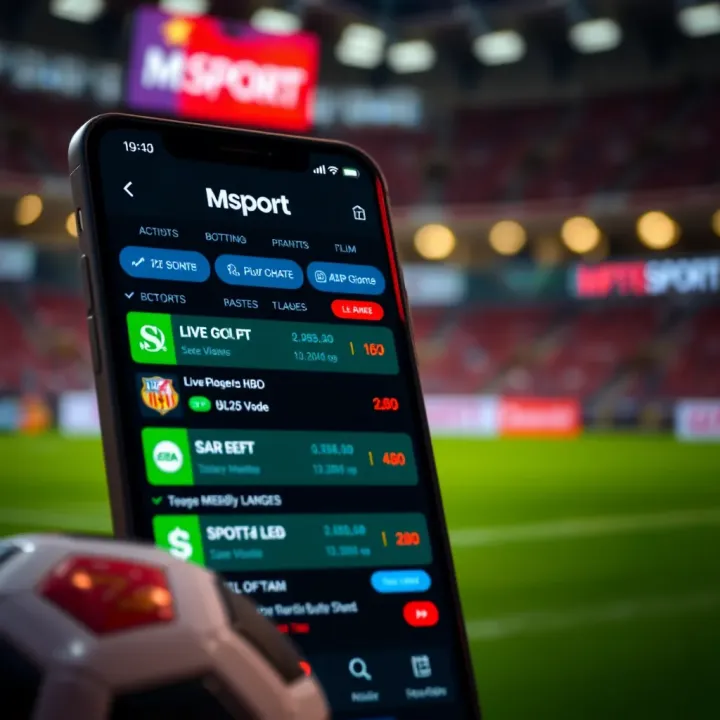
Discover Msport Mobile, Nigeria’s trusted sports betting app with easy access, multiple payment options including ₦, and secure betting 🏀⚽️. Get tips for smooth play!
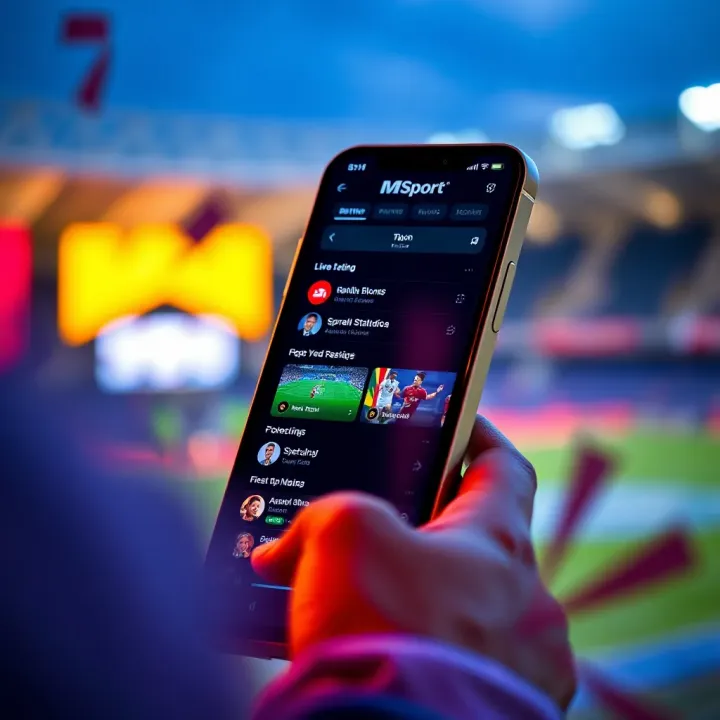
📱 Learn how to access and use MSport mobile login in Nigeria. Register, bet safely, and enjoy smooth sports betting on your phone without hassle.
Based on 8 reviews